创建一个使用 typescript 的 electron 桌面程序,使用 react 做前端界面
请保证你当前环境的nodejs版本和npm版本满足需求 Node >= 10.16 和 npm >= 5.6
创建一个 typescript react 项目
创建一个基于 typescript 的 react 项目需要运行下面的命令
1
2
| npm i create-react-app -g
npx create-react-app demo --template typescript
|
注意 : 第一行的 npx 不是拼写错误 —— 它是 npm 5.2+ 附带的 package 运行工具。
项目创建成功后运行
会自动启动浏览器,打开 http://localhost:3000,表示项目创建成功
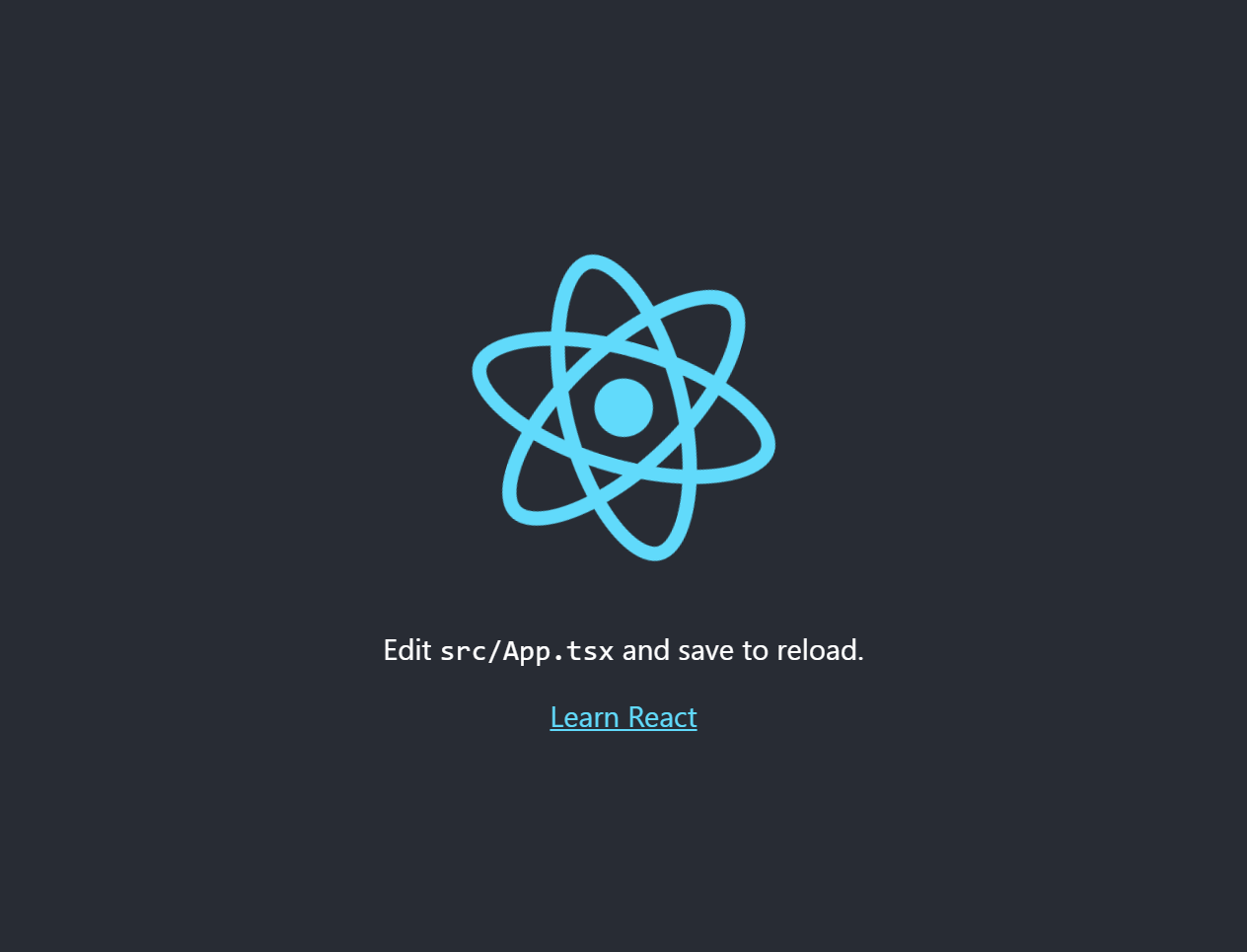
在 react 项目中集成 electron
1
| npm i -S-D electron wait-on
|
在项目根目录下创建 app 文件夹,用于存放 electron 代码,在 app 目录下创建 main.ts
1
2
3
4
5
6
7
8
9
10
11
12
13
14
15
16
17
18
19
20
21
22
23
24
25
26
27
28
29
30
31
32
33
34
35
36
37
38
39
40
41
42
43
44
45
46
47
|
import { app, BrowserWindow, screen } from 'electron';
let mainWindow: BrowserWindow | null;
function createWindow () {
const displays = screen.getAllDisplays()
const externalDisplay = displays.find((display) => {
return display.bounds.x !== 0 || display.bounds.y !== 0
});
let mainWindow;
if (externalDisplay) {
mainWindow = new BrowserWindow({
width: 1280,
height: 1024,
x: externalDisplay.bounds.x + 50,
y: externalDisplay.bounds.y + 50,
});
} else {
mainWindow = new BrowserWindow({
width: 1280, height: 1024,
x: 50,
y: 50
});
}
mainWindow.loadURL('http://localhost:3000');
mainWindow.on('closed', () => {
mainWindow = null
});
}
app.on('ready', createWindow);
app.on('window-all-closed', () => {
if (process.platform !== 'darwin') {
app.quit()
}
});
app.on('activate', () => {
if (mainWindow === null) {
createWindow()
}
});
|
在 app 目录下新增 tsconfig.json
1
2
3
4
5
6
7
8
9
10
11
12
13
14
15
16
17
18
19
20
21
22
23
24
25
26
27
28
|
{
"compilerOptions": {
"target": "es2017",
"module": "commonjs",
"lib": [
"es2017",
"dom"
],
"noImplicitAny": true,
"sourceMap": true,
"moduleResolution": "node",
"outDir": "../build/app",
"baseUrl": ".",
"esModuleInterop": true,
"resolveJsonModule": true,
"emitDecoratorMetadata": true,
"experimentalDecorators": true,
"skipDefaultLibCheck": true,
"skipLibCheck": true
},
"include": [
"."
],
"exclude": [
"node_modules"
]
}
|
在 package.json 的 scripts 中新增 electron 的启动命令
1
2
3
4
5
| "scripts": {
...,
"dev:electron": "tsc -p ./app/tsconfig.json && wait-on http://localhost:3000 && electron ./build/app/main.js",
"dev:react": "react-scripts start" // 将 "start" 重命名为 "dev:react" 即可
}
|
命令说明
dev:electron: 使用 ./app/tsconfig.json 配置编译 ./app 目录,编译完成后,等待 react 启动完成,然后使用编译生成的 ./build/app/main.js 入口文件启动 electron 程序
dev:react: 启动 react 本地开发模式
打开两个命令行终端,分别运行 npm run dev:react 和 npm run dev:electron,将会自动打开 http://localhost:3000 网页和一个桌面应用程序,界面如下